Keyword Density Checker for Shopify Homepage Without Adding More Text: How to Reduce Over-Optimization the Smart Way
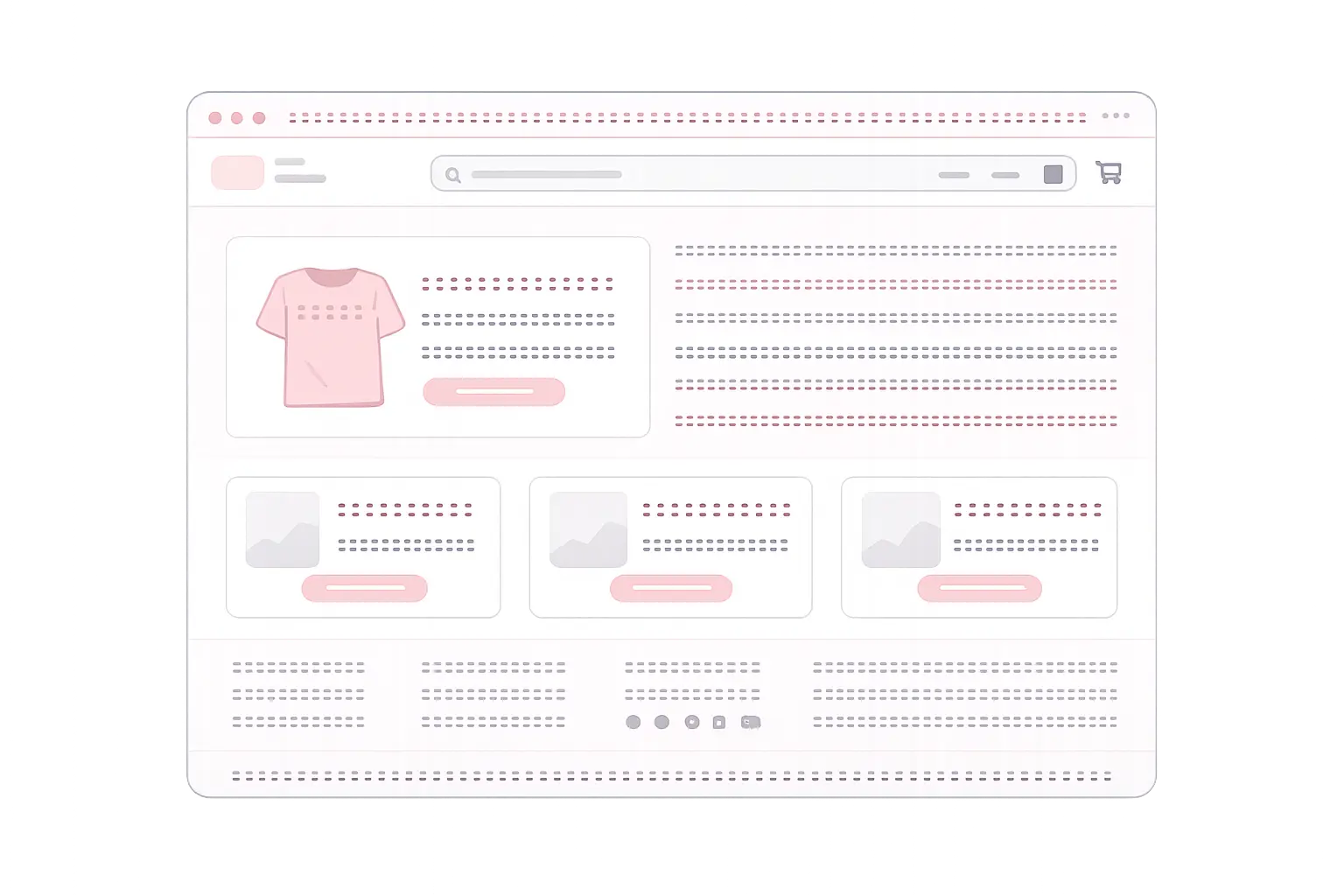
If your Shopify homepage feels over-optimized, repetitive, or oddly heavy on one keyword, you are not imagining it. This is a common problem when brand, category, collection, navigation, announcement bars, and reusable sections all repeat the same terms. And since homepage space is usually tight, adding more explanatory copy is often the worst fix possible.
In this guide, you will learn how to lower apparent keyword density on a Shopify homepage without adding more text. We will cover practical tactics such as adjusting blocks, navigation labels, snippets, repeated UI text, and on-page patterns. We will also look at why checking unigrams, bigrams, and trigrams matters more than obsessing over a single keyword percentage like it is still 2009. Humans do love turning nuanced problems into fake magic numbers.
Quick Answer
If you need a keyword density checker for Shopify homepage without adding more text, the best approach is not to dilute the page with filler copy. Instead, reduce repetition in high-frequency elements already on the page: navigation labels, hero headings, section titles, featured collection names, button labels, announcement bars, trust badges, and repeated snippets. Then validate the result by checking keyword frequency, bigrams, trigrams, readability, and SEO diagnostics so you can spot patterns that basic density tools miss.
Why Shopify Homepages Often End Up with High Keyword Density
Shopify homepages are structurally prone to repetition. Unlike long-form pages, homepages combine many short interface elements, and those elements often reuse the same commercial phrase again and again.
Common repetition sources on Shopify homepages
- Hero headline and subheading using the same target term
- Menu items repeating category keywords
- Featured collection titles mirroring the same phrase
- Buttons like “Shop [keyword]” repeated across sections
- Announcement bars and promo strips duplicating category language
- App blocks or snippets inserting repeated labels sitewide
- Footer links echoing the same commercial intent
This is why a Shopify homepage can look “thin” in word count but still feel heavily optimized. The issue is not just raw keyword density. It is distribution and repetition across short, prominent elements.
Why You Should Check N-Grams, Not Just Single Keywords
A basic density checker may tell you one keyword appears too often, but that only shows part of the problem. On Shopify homepages, repeated two-word and three-word combinations are often the real signal.
What to look for
- Unigrams: repeated single terms such as “protein,” “supplements,” or “shoes”
- Bigrams: repeated pairs such as “running shoes” or “organic coffee”
- Trigrams: repeated phrases such as “best running shoes” or “organic coffee beans”
For example, your homepage may not overuse the word “coffee” by itself, but if “organic coffee beans” appears in the hero, category cards, collection blocks, and CTA text, the repetition becomes obvious. That is exactly why a density analysis that includes unigrams, bigrams, and trigrams is more useful for Shopify SEO than a crude percentage alone.
Step-by-Step: How to Reduce Keyword Density on a Shopify Homepage Without Adding More Text

1. Audit the visible homepage text only
Start with the rendered homepage content, not just your intended copy document. Shopify themes, apps, snippets, and dynamic sections may inject text you forgot was there. Pull the actual live text and review what users and search engines can see.
2. Identify repeated phrases across blocks
Check headings, section labels, menu items, button text, promo banners, collection titles, testimonial intros, and footer anchors. Your problem is usually hiding in repetition across modules, not in one paragraph.
3. Rewrite labels, not the message
You do not need to add text. You need to vary existing text. A few examples:
- Change repeated section headings to more specific alternatives
- Replace duplicate CTA wording with intent-based variants
- Shorten category labels where context already exists
- Use brand-led or benefit-led phrasing in some blocks
Instead of repeating “Shop protein powder” three times, you might use “Shop formulas,” “Explore best sellers,” and “View performance range,” depending on context.
4. Review navigation and footer links
Menu architecture often bloats keyword repetition. If your main keyword appears in the header, mega menu, category cards, and footer in almost identical form, that stacks up fast. Keep navigation clear, but avoid unnecessary duplication.
5. Check reusable snippets and app-generated UI text
Snippets can repeat keywords in badges, icons, shipping notes, trust lines, and section microcopy. One tiny phrase repeated six times can distort the page more than a single paragraph ever could. Shopify apps are especially good at creating accidental sameness at scale. Machines helping machines confuse machines. Beautiful ecosystem.
6. Compare before and after with n-gram analysis
After editing, validate the page again. Do not stop at “looks better.” Check whether your top repeated unigrams, bigrams, and trigrams actually dropped and whether readability stayed clean.
Examples and Practical Applications
Example 1: Fitness supplements store
Suppose a Shopify homepage targets “whey protein isolate.” The phrase appears in:
- Hero heading
- Subheading
- Featured collection title
- CTA button
- Promo strip
Instead of adding more text to “dilute” the page, you can keep the hero keyword-focused and vary the rest:
- Featured collection becomes “High-Performance Formulas”
- CTA becomes “Compare Best Sellers”
- Promo strip becomes “Fast Recovery, Clean Mixability”
The page still supports the same topic, but the repeated trigram is reduced.
Example 2: Fashion homepage with repeated collection language
A store targeting “linen summer dresses” may repeat that exact phrase in category cards, menu links, and homepage sections. A better approach is to distribute meaning across variants like “lightweight styles,” “warm-weather edits,” “new season picks,” and “breathable essentials,” while keeping one primary heading aligned with the target query.
Example 3: Localized Shopify storefront
If your market-specific homepage repeats both translated and untranslated versions of a term, density can spike in odd ways. Reviewing n-grams helps catch duplicate phrase structures that manual review misses, especially when templates reuse the same commercial wording across languages or regions.
Common Mistakes
- Adding filler text just to lower density. This usually weakens UX and rarely improves relevance.
- Only checking one keyword. Repetition often lives in bigrams and trigrams, not just single words.
- Ignoring navigation and footer text. These areas can heavily influence homepage repetition.
- Keeping identical CTA labels across every block. Small UI text adds up quickly.
- Forgetting snippets and app widgets. Reusable components are a major source of duplicate phrasing.
- Chasing a perfect percentage. There is no universal “safe” keyword density number. Context matters.
Try It with the Tool
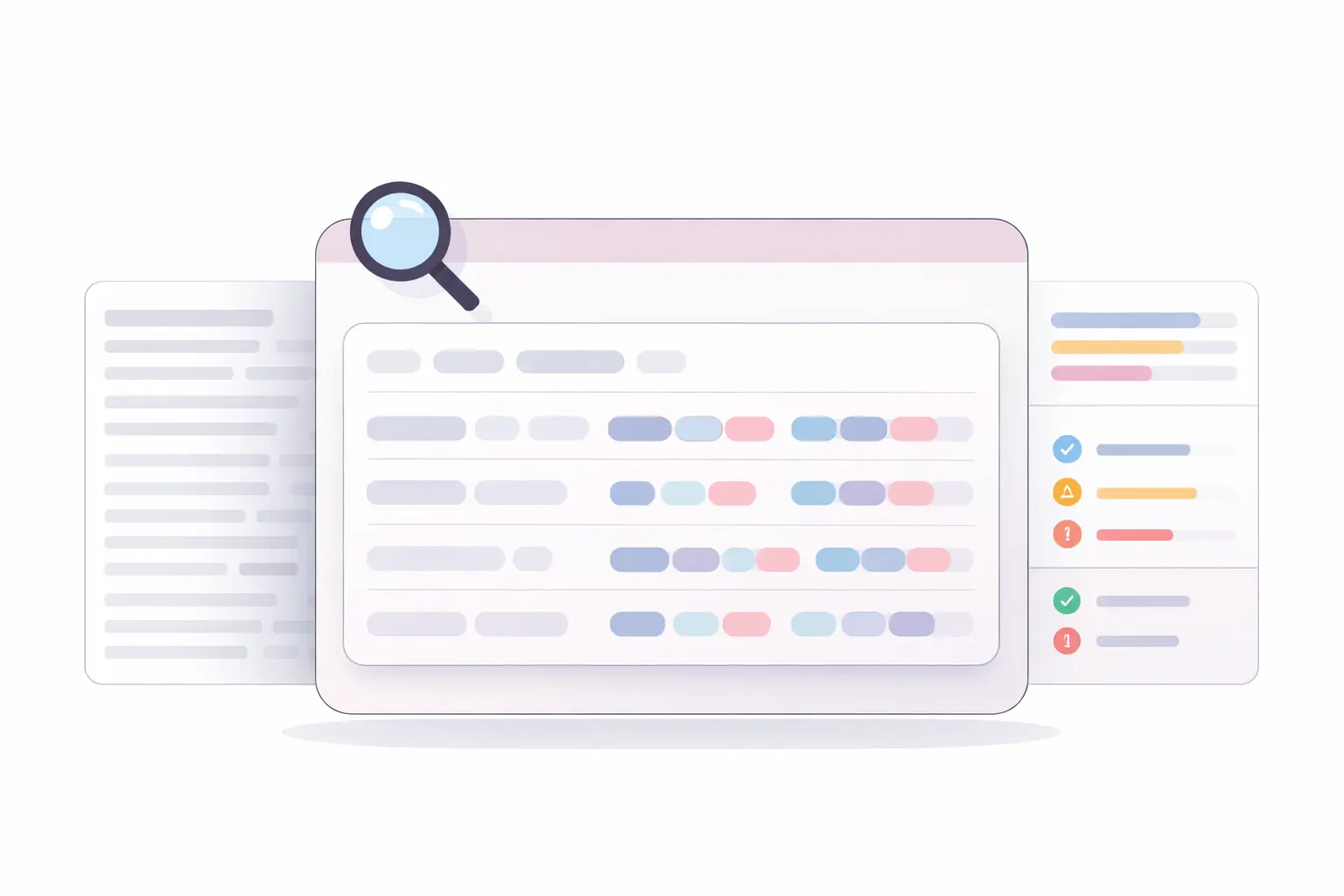
If you want to evaluate a Shopify homepage properly, a plain density score is not enough. You need to see which words and phrases repeat most, how those repetitions cluster, and whether the page remains readable after edits.
Density Scope is useful here because it analyzes:
- Unigrams, bigrams, and trigrams
- Readability
- SEO diagnostics
That makes it a strong fit for this exact workflow: take the homepage text, run an analysis, identify repetitive n-grams, adjust blocks or labels, and re-check the result. Because it runs client-side, content teams can review drafts quickly without turning a simple audit into a bureaucratic circus involving exports, uploads, and other rituals humans invented to avoid straightforward work.
How Density Scope helps on Shopify homepage audits
- Highlights repeated word patterns beyond a basic keyword count
- Helps validate whether edits actually reduced repetition
- Supports quick iteration when testing headline, block, and CTA changes
- Gives readability and SEO checks alongside phrase frequency
If your goal is to find a keyword density checker for Shopify homepage without adding more text, this kind of n-gram-focused review is far more practical than stuffing the page with extra copy and hoping search engines applaud the mess.
Conclusion
When a Shopify homepage feels over-optimized, adding more text is usually the wrong fix. The smarter move is to reduce repetition in the text you already have: headings, menu labels, collection blocks, snippets, CTA buttons, announcement bars, and footer elements.
The key is to validate changes with more than a basic keyword percentage. Reviewing unigrams, bigrams, and trigrams helps you spot the repeated patterns that actually make a homepage look unnatural. Pair that with readability and SEO diagnostics, and you get a clearer picture of how your page is performing.
For content teams working on ecommerce pages, especially Shopify homepages with tight layout constraints, that is the practical path: change repetition, not length. Then measure the result properly.